 fennec
VPN client for macOS, Windows and Linux
Several VPN tunnels at once, each switched on its own.
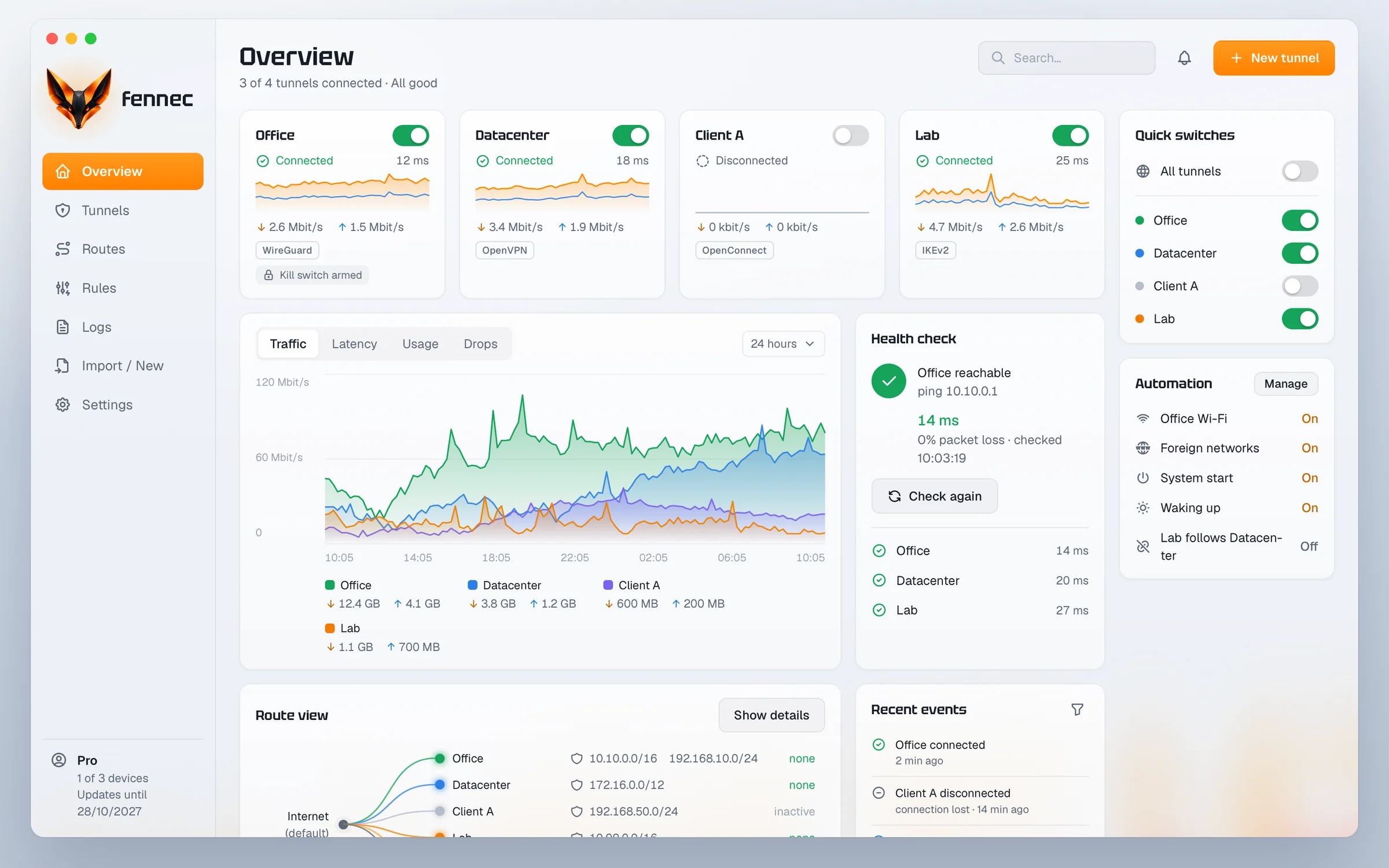
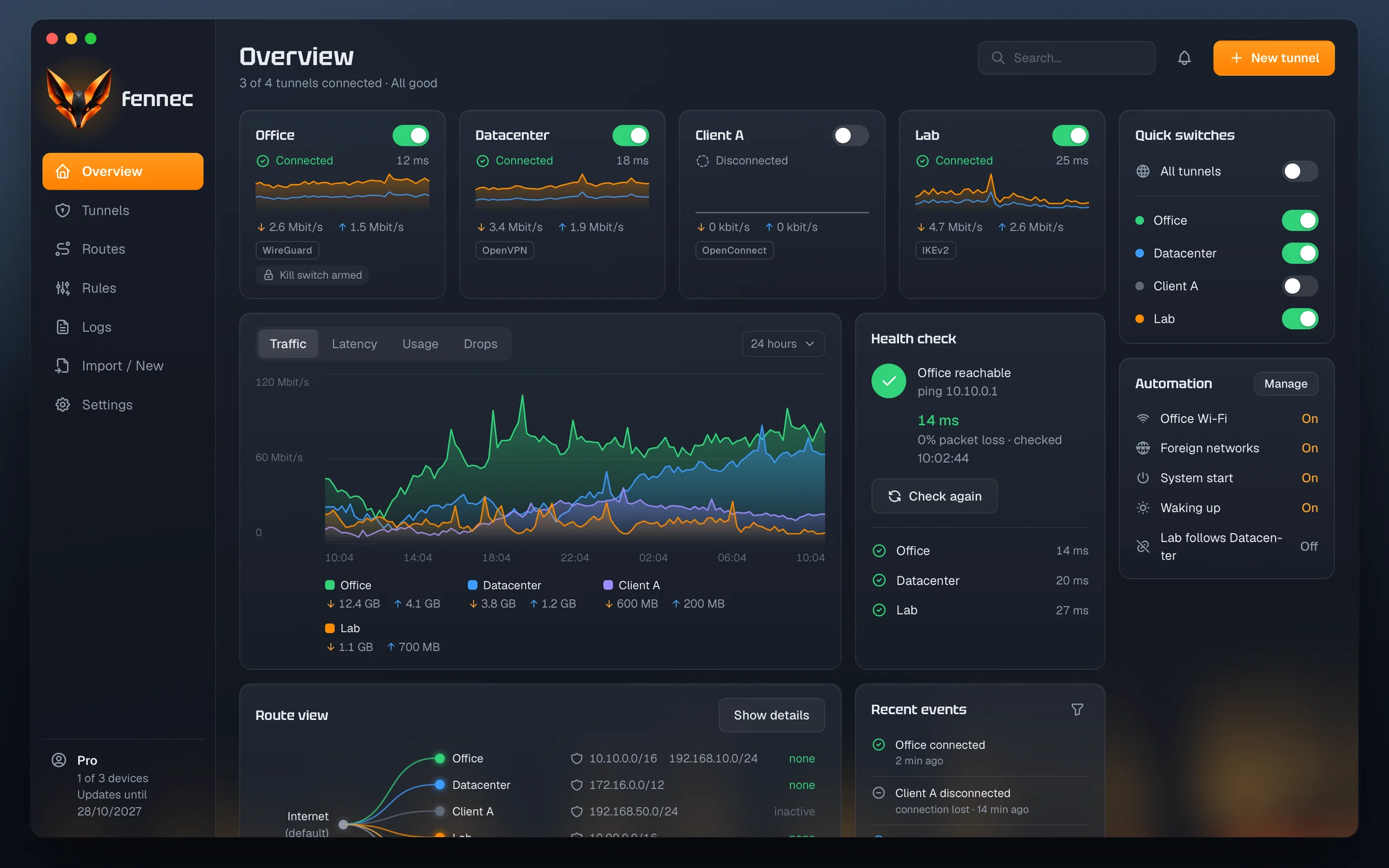
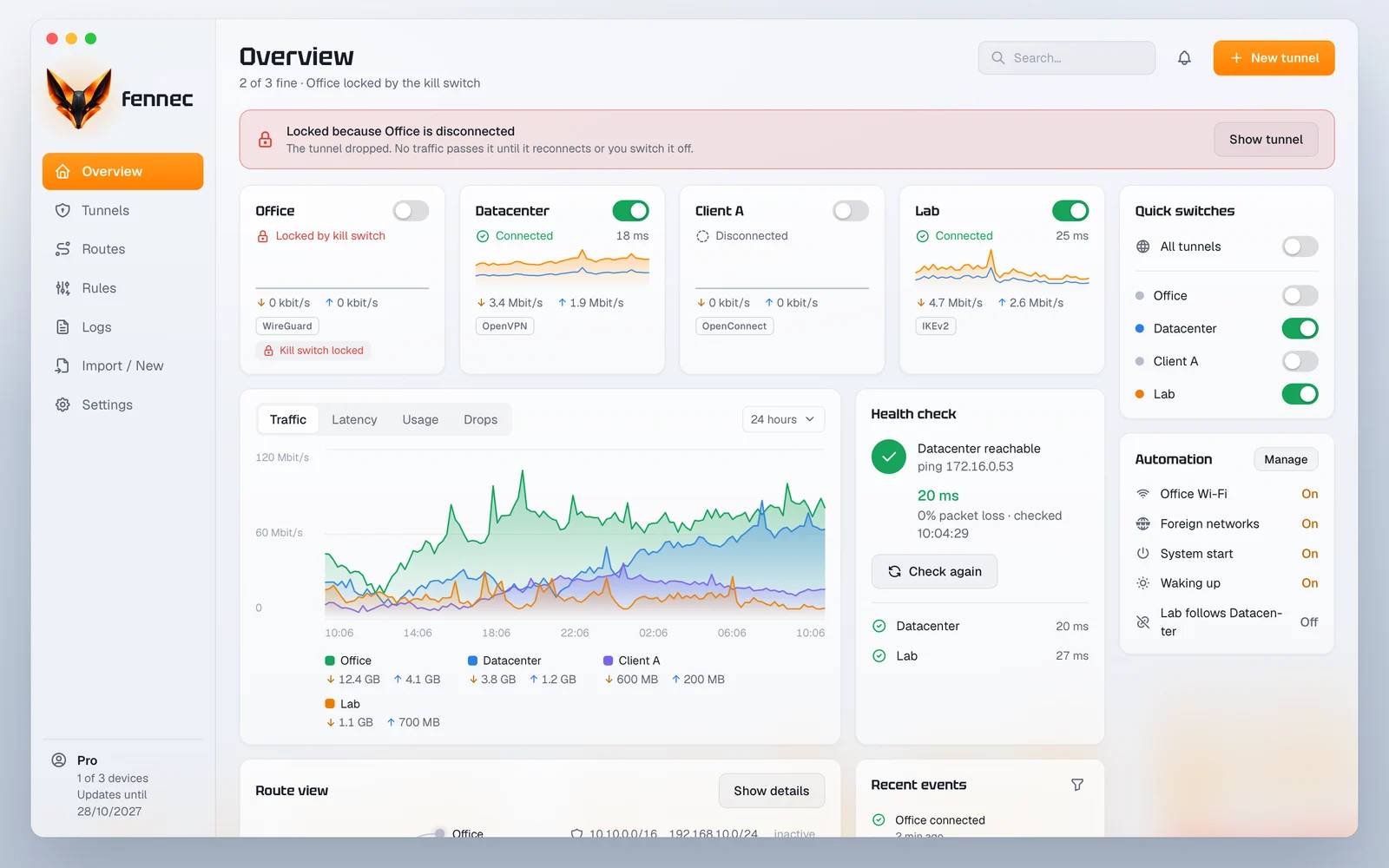
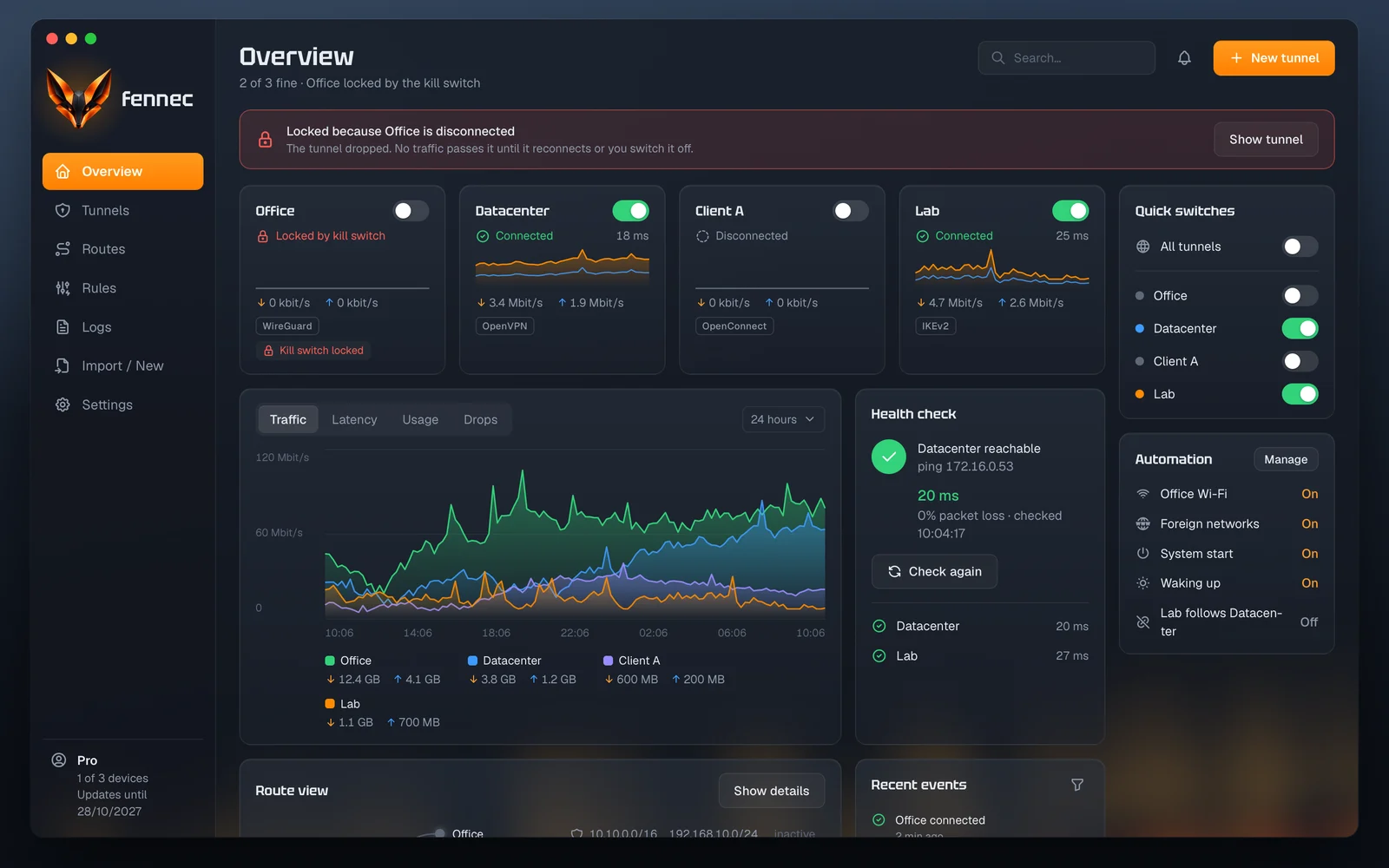
fennec connects your computer to several remote sites at the same time, over WireGuard, OpenVPN and OpenConnect. A service of its own keeps the tunnels up while the window is closed, and for every tunnel you see its state and its current values.
- macOS 13+
- Windows 11 (x64)
- Linux (x86_64, arm64)
Version 0.1.0 · Other systems
Several tunnels
Every tunnel runs independently of the others and shows its own state.
A service of its own
The tunnels stay connected when you close the window.
Clear routes
ProYou see which tunnel takes which addresses and where they overlap.
Automation
ProRules switch tunnels on a Wi-Fi network, at system start and on wake.
Features
The areas of the app
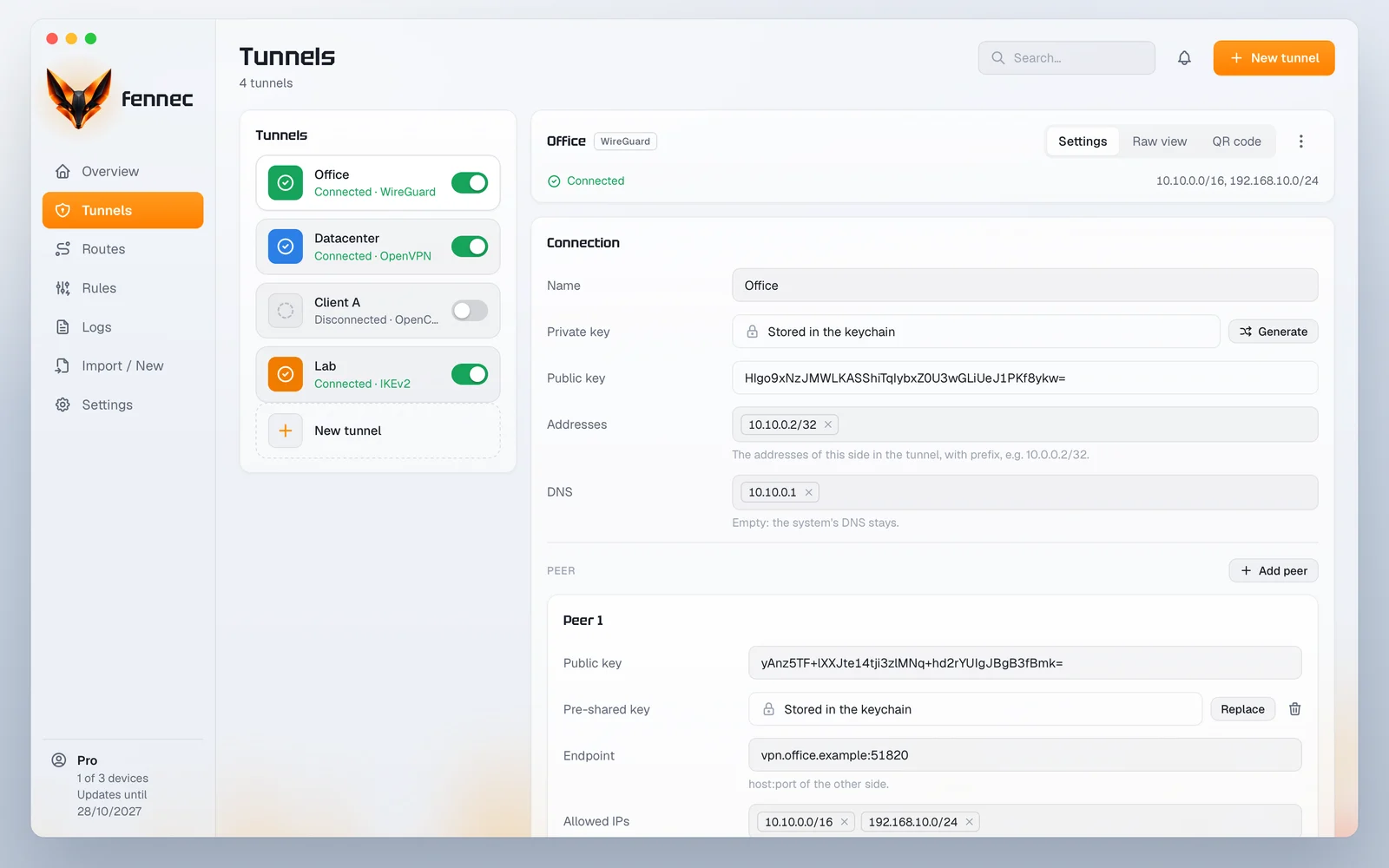
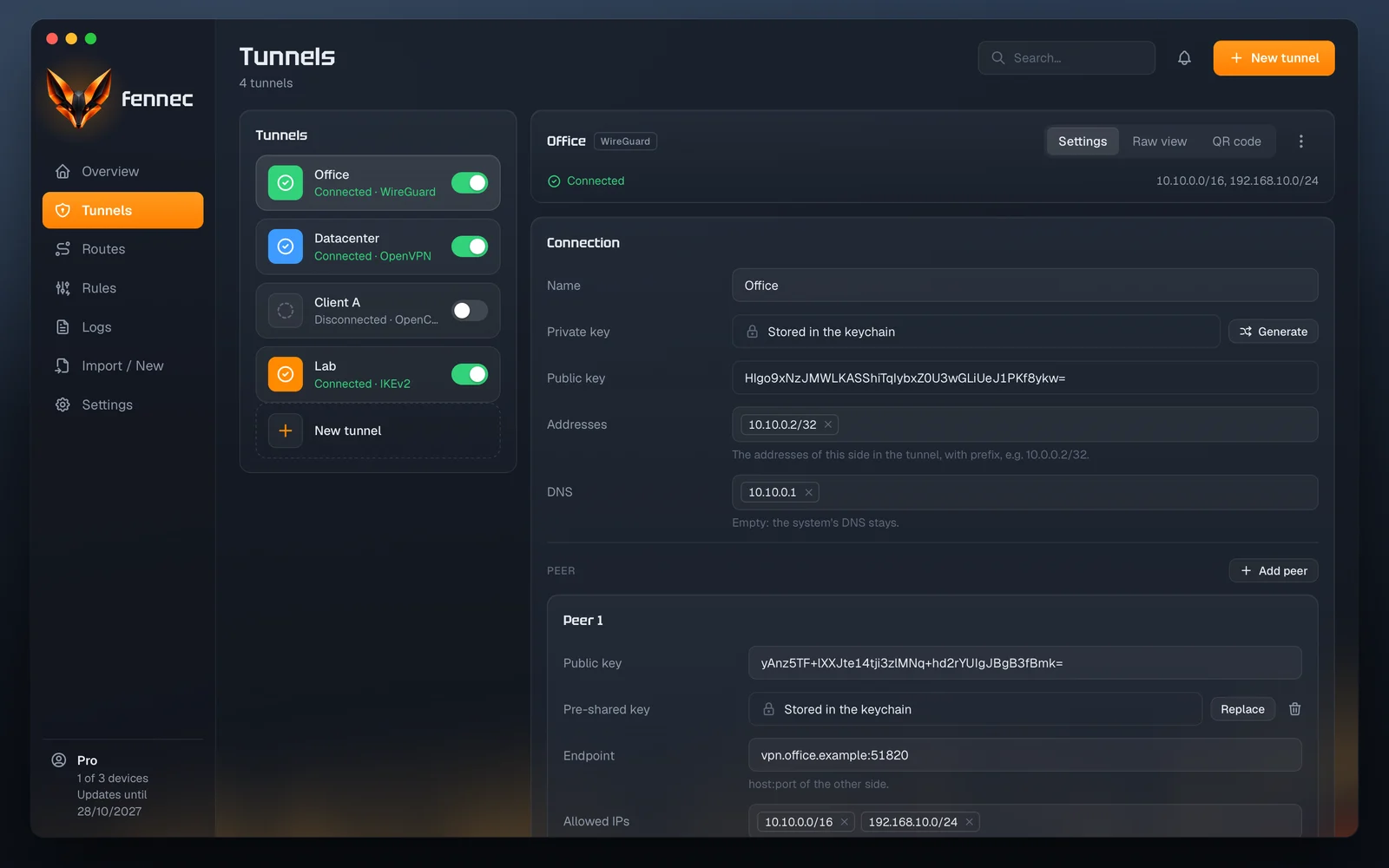
Every kind of connection has a form of its own with all its fields.
You import .conf and .ovpn files, read a WireGuard QR code or create a tunnel from scratch. Private keys and passwords are stored where only the service can read them, on macOS in the system keychain. The raw view shows the configuration as text and checks it when you save.
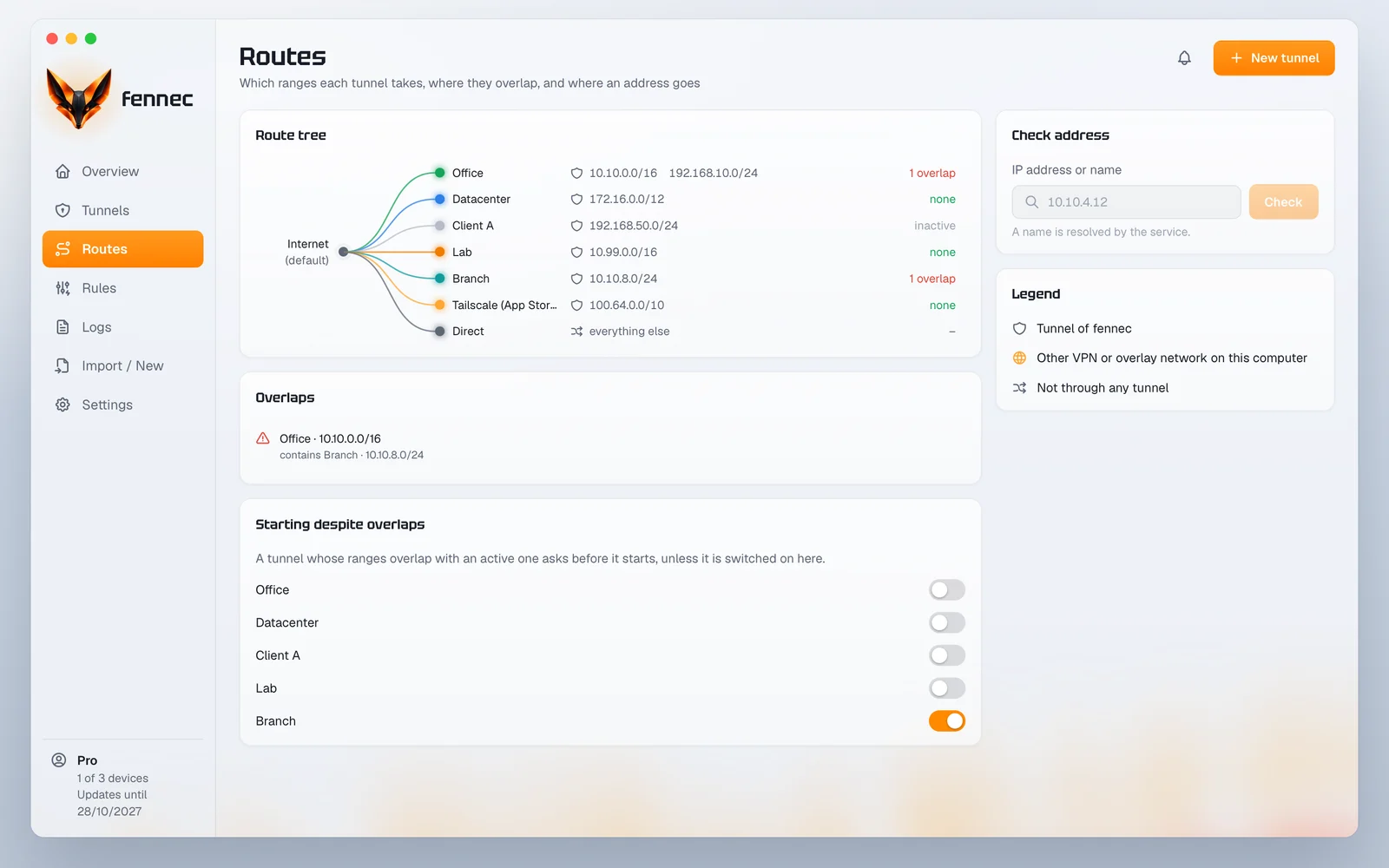
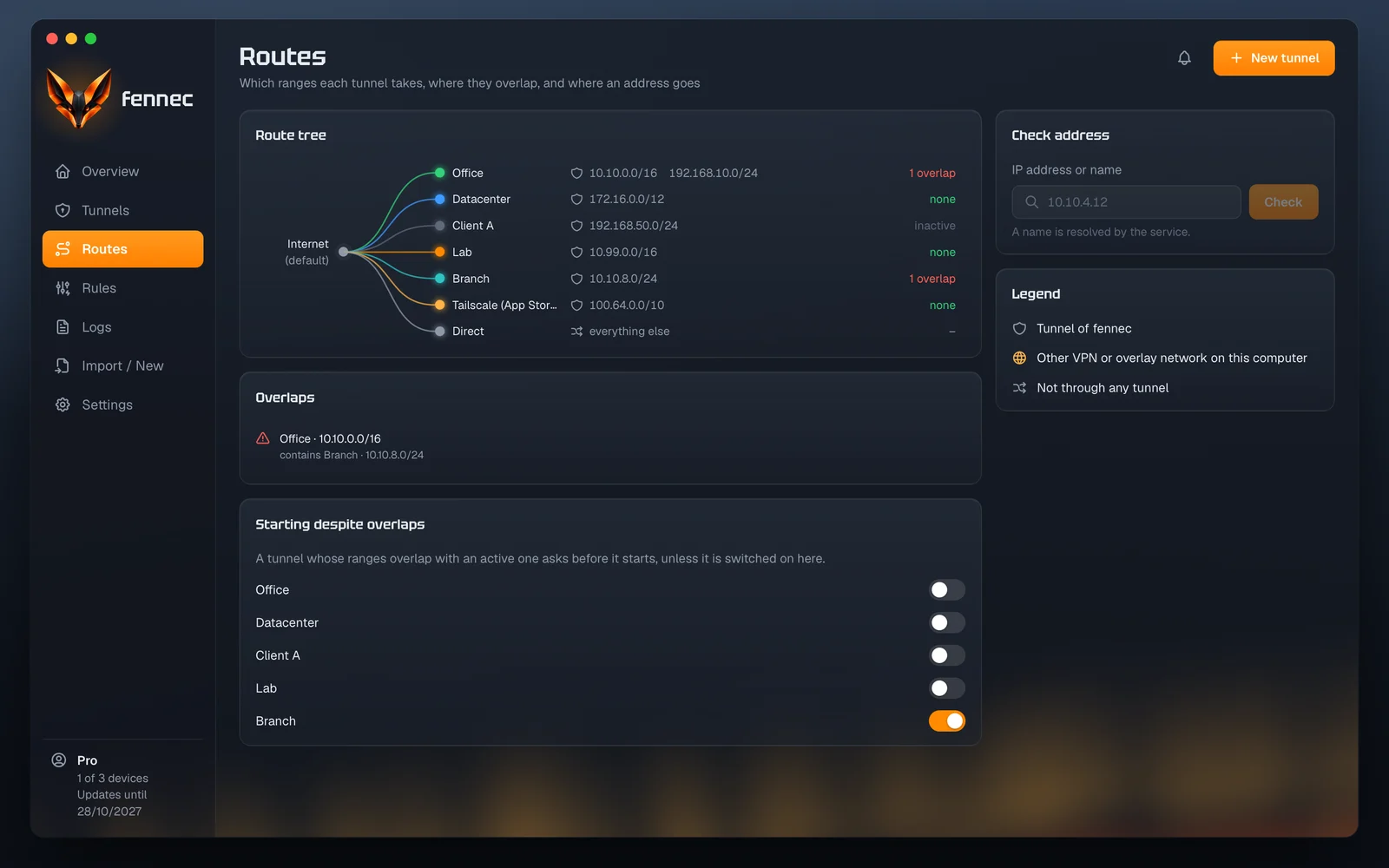
The route view shows which tunnel takes which addresses.
A tree leads from the internet to every tunnel and its address ranges. When the ranges of two tunnels overlap, fennec names both and starts the second one only after you confirm. Under “Check address” you enter an IP address or a name and learn which tunnel it goes through.
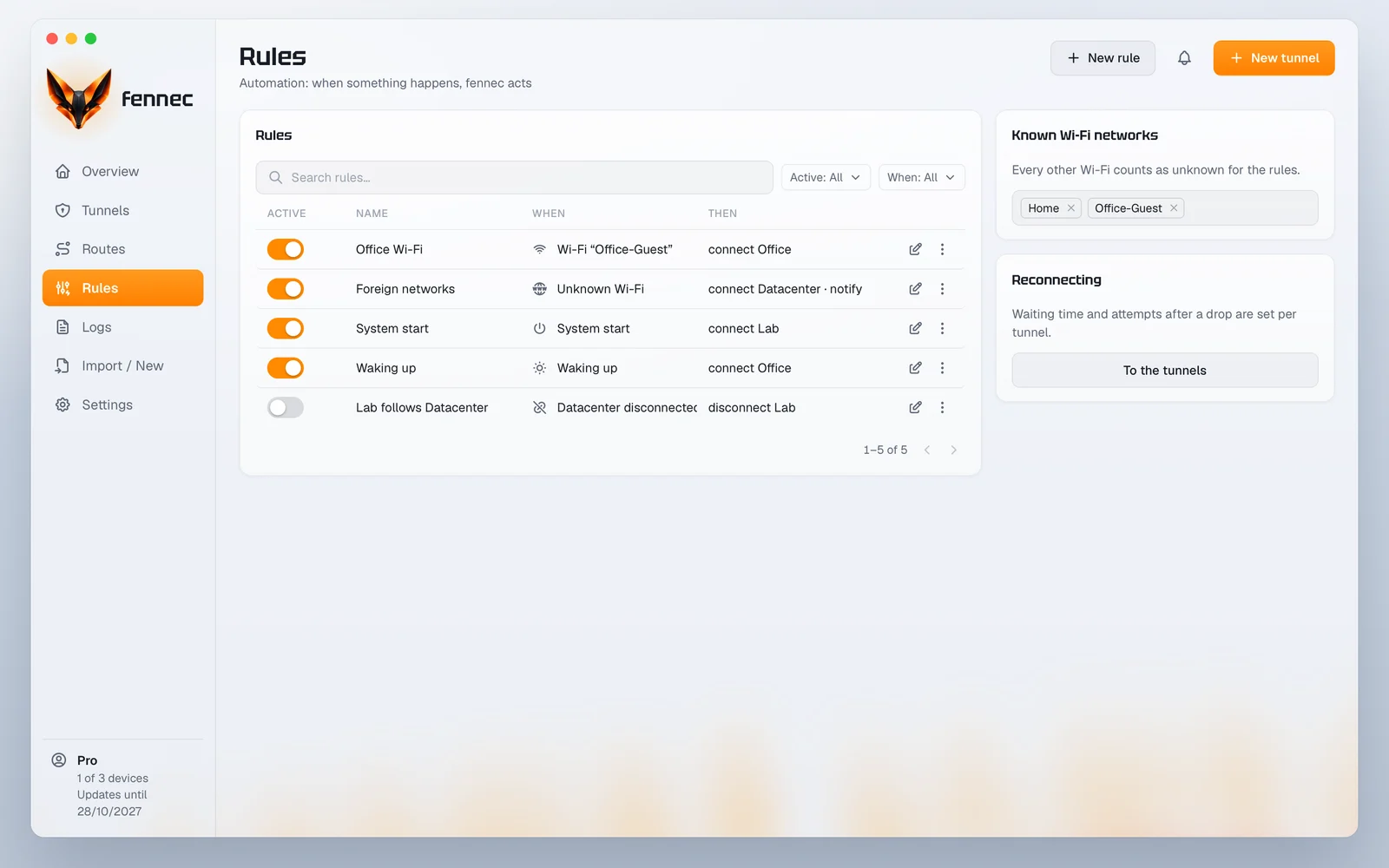
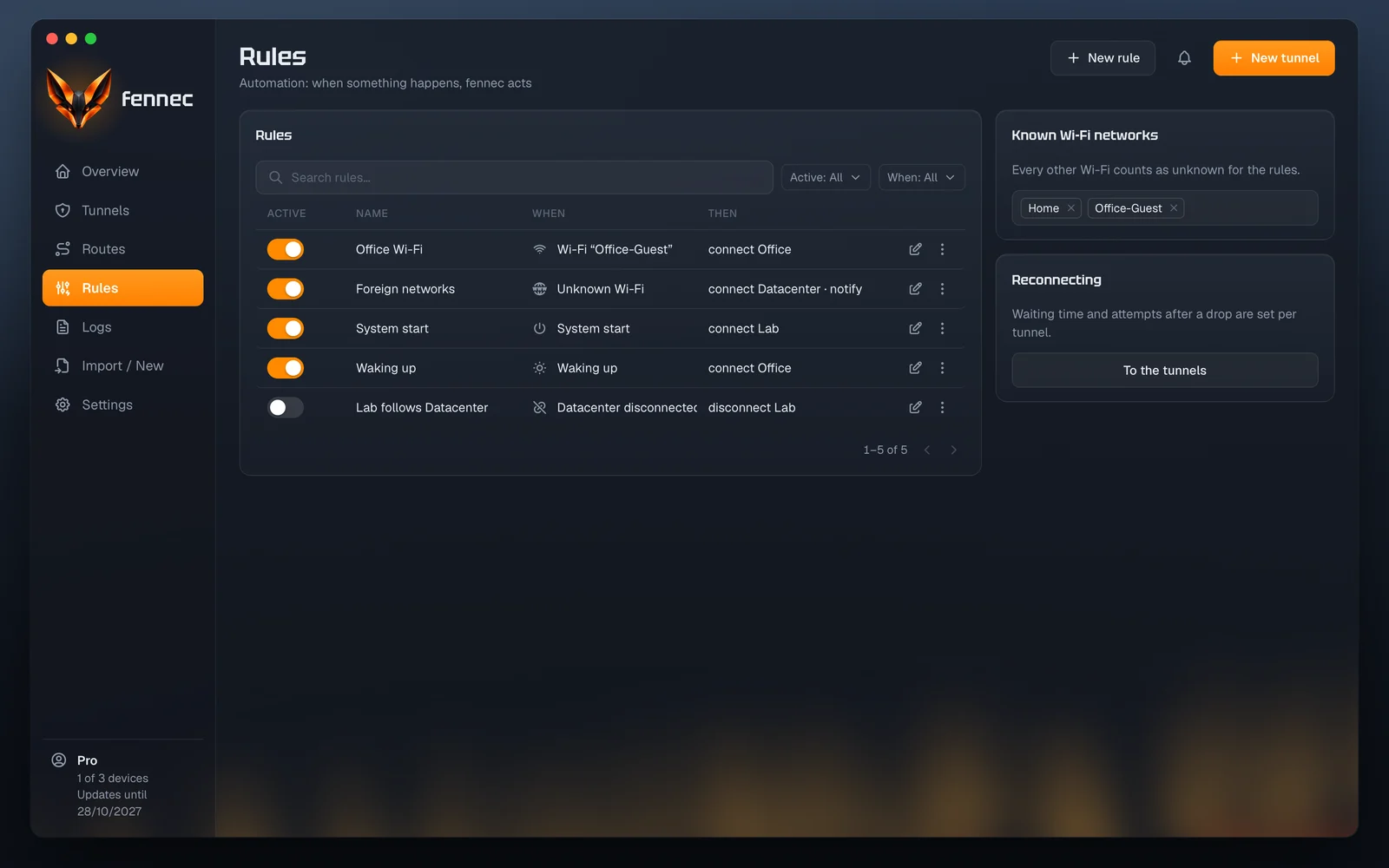
Rules switch tunnels when your network changes.
A rule joins a condition to an action. Conditions are a particular or an unknown Wi-Fi network, the system start, waking up or another tunnel; fennec then connects or disconnects tunnels or sends a notification. The service runs the rules also while the app is closed.
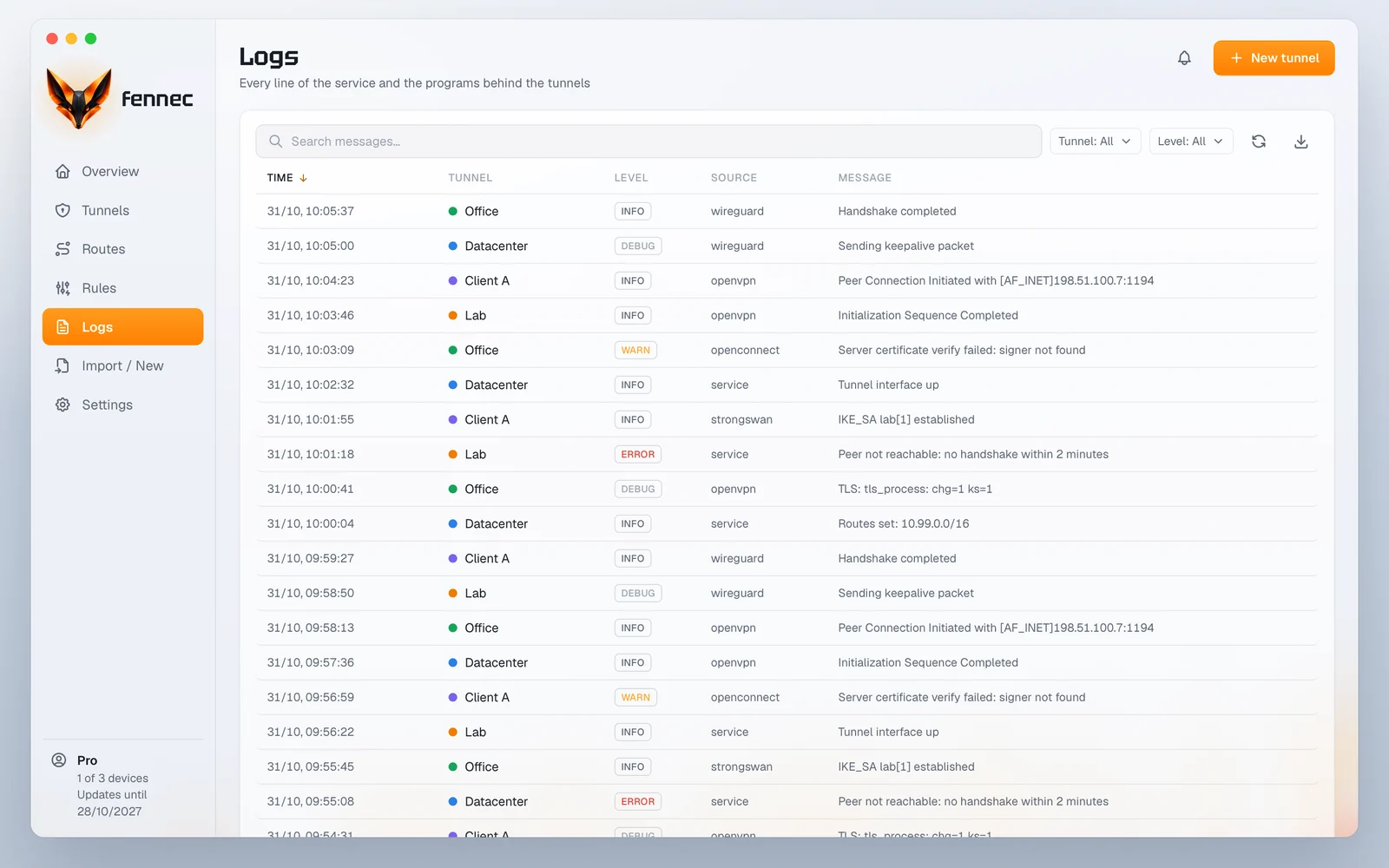
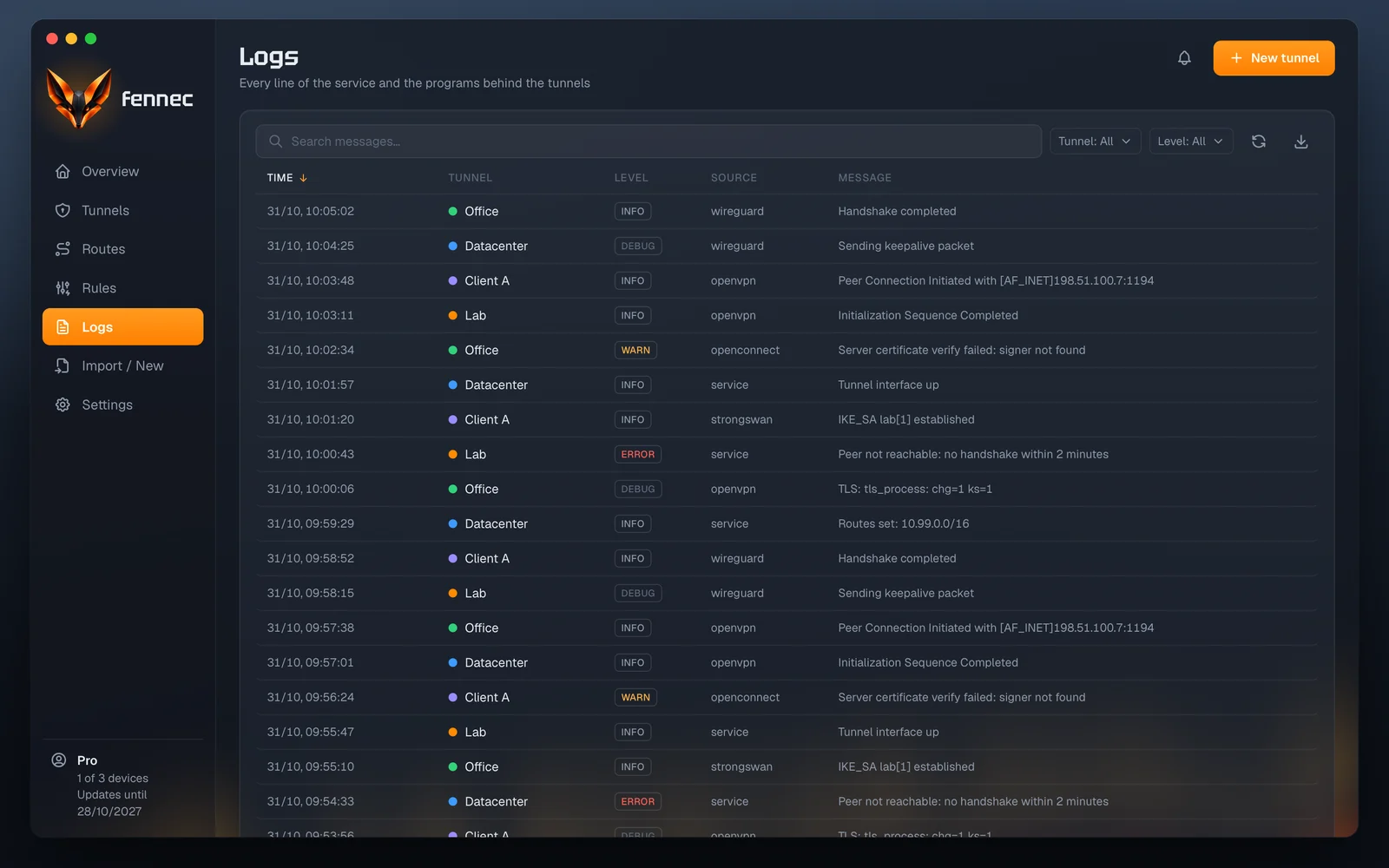
The logs collect the lines of the service and of every program behind the tunnels.
You filter by tunnel and level, search the text and export as CSV or JSON. The history keeps traffic, usage and drops over days; how long it is kept is up to you in the settings.
When a tunnel fails, no traffic goes around it.
You switch the kill switch on per tunnel. When a full tunnel drops, only the local network and the connection to the remote site stay open; for a split tunnel fennec blocks its address ranges. The block holds until the tunnel is connected again or you disconnect it on purpose.
In this release the kill switch is available on Windows and Linux.
In detail
What else fennec does
The features work for every kind of connection. What belongs to Pro is visible in Free and locked.
Kinds of connection
WireGuard, OpenVPN and OpenConnect for Cisco AnyConnect, GlobalProtect, Pulse and Fortinet. fennec detects Tailscale, ZeroTier and NetBird and controls their clients.
Service in the background
A service with system rights holds the tunnels. During setup the system asks for your password once, and never again to switch.
Split DNS
Every tunnel resolves the names of its domains through its own DNS server. With a full tunnel the whole system uses the tunnel's DNS.
Health check
Profennec checks by ping or through the WireGuard handshake whether anything really gets through a tunnel, and reports thresholds and packet loss.
History
ProCharts show traffic, response time, usage and drops per tunnel, live and over 24 hours, 7 or 30 days.
CLI and MCP
ProThe fennec command lists and switches tunnels without sudo. Through fennec mcp, AI tools query the tunnels and switch them.